Showing posts with label creativity. Show all posts

Wednesday, May 29, 2013

Digital Art Final Project

Public Service Announcements


Public Service Announcements (PSAs) are messages in the public interest with the objective of raising awareness, changing public attitudes and behavior towards a social issue.

Your Final Project for this class (worth a Final exam grade!) is to create a Public Service Announcement Poster.

The Project will be graded in 2 parts:
- The actual PSA Poster, graded using the same sort of rubric we've used all trimester (appearance, effort, photoshop technique, image quality...)
- A written component at the beginning and end of the project (blog posts)

Step 1:
  • What is a social issue that you feel you should call attention to?
  • Create a BLOG POST that is a sort of brainstorm/journal entry about this.
    • What's your topic?
    • Why do you care about it?
    • What do you want to say?
    • How do you intend to portray your message?
Step 2:
  • Create your poster.
  • Gather images you could use in your design.
  • Research your topic- is there a statistic you can include for emphasis?
  • Make your canvas- be sure you have a high quality printable poster! Shoot for 300 resolution, and a size that's in the 1,000's (we used 4,000 x 4,000 for our typography projects!)
  • Make sure you use the following:
    • Text
    • Layers
    • Color Alteration OR a Filter
    • at least ONE image/object you've photographed or drawn yourself.
Step 3:
  • Finished Your Poster? Before your flatten your layers, make sure I check it. This is your final! Let's make sure they're perfect!
  • Once you've gotten the OK from me, Hand it in on a flashdrive as a .jpg
  • Complete a Final Blogpost reflecting on your project:
    • What is a PSA?
    • Did you learn anything new about your topic?
    • How do you feel about your final product?
    • What was the most difficult part of the project?
    • How are you feeling about your Digital Art Skills now?
The projects will be due during our Final Exam block on June 13th.

Seniors, You leave before this, you  may complete the project before you leave and hand it in on June 6th, or you may take the extra time and bring me the finished project on June 11th on a flashdrive. It is YOUR responsibility to remember to do this! (You have to be here for marching practice anyways!)
That being said, Seniors, you may want to avoid an overly complicated or labor intensive design.


Friday, May 10, 2013

The Digital Portrait

Up Next:
Expression of the Human Form
The Digital Portrait


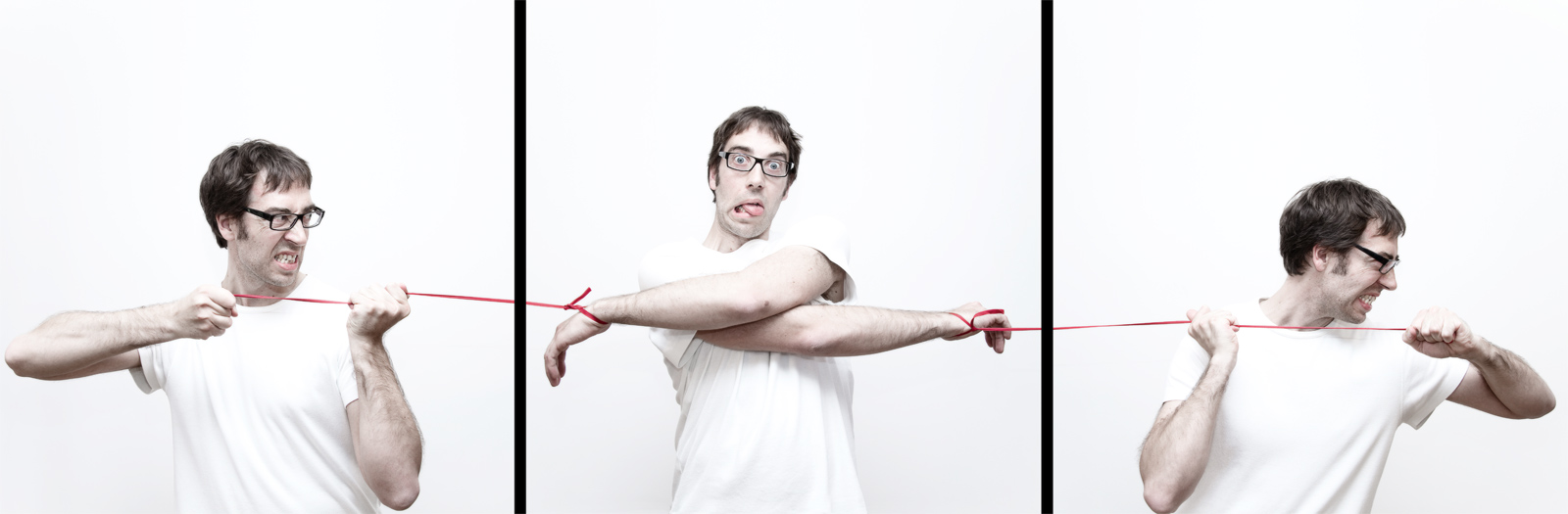
What makes a successful portrait?

What can artists convey through portraiture?

Self Portraiture
Self-Portrait, Judith Leyster, 1630

Self-Portrait, Gustave Courbet, 1843

Self-portraits are representations of an artist crafted by the artist themselves- drawn, sculpted, painted, and photographed.

Self-portraits have been around since the earliest times, but became more frequent in the mid-15th century when better and cheaper mirrors became available.

_______________________________________________________

PHOTOGRAPHY:


Things to Consider what Capturing the Human Form:
  • Who is your subject? What do you want to say about them?
  • What's going on in the background?
  • Pay attention to lighting- do you want a silhouette? side lighting? subtle lighting? What kinds of moods will different lighting create?
  • Think about clothing. Clothing can make or break the mood/effect of a photo. Same goes for props.
  • Do you want a candid shot or a traditional portrait? Candid shots can create emotions and stories that a traditional shot can't.
  • Cater to your subjects personalities!
  • Keep in mind... a portrait isn't always a face... just usually :)
  • A portrait can also be a SERIES of portraits... nobody said you have to tell a story with only one shot :)
______________________________________________________

PHOTOSHOP:

(like this one? :) There's a tutorial here if you're driven!)


Things to Consider When Processing Your Photos:
  • Photos can use a touch up in photoshop 95% of the time. Even if it's just a minor lighting adjustment.
  • Filters can be used to bring out elements of your portrait that help to tell the subject's story.
  • We know how to select objects, put things in new layers, and fill in the color of certain areas. This technique can be used to make a poster-like effect like the last one by Shepherd Fairey above.
  • You can change the backgrounds, or add in other props, but make sure they're adding to the portrait and not taking away from it...

________________________________________________________

YOUR ASSIGNMENT: 

Create a collection of portraits, including at least 1 self portrait, using any or all of the tools we have learned about so far. This includes the tricks we learned about photography AND photoshop! (A "collection" is at least 6.... although you may choose to do more)

  • At least 6 finished portraits
  • at least 1 of the 6 should be a self portrait
  • portraits can be abstract representations, artistic representations, traditional representations, repetitive representations... if you're not sure if something counts, just ask!
  • portraits should be QUALITY photographs taken by YOU with good lighting, composition, and technology (don't use crummy cell phone cameras... some are high quality- make sure you know the difference).
  • portraits should undergo some kind of photoshop process, whether it be lighting/color alterations, background changing, filter application, or intense layering.
  • At least 1 portrait MUST use layering.

Due on Flashdrives at the end of class on
Monday, May 20th.
(all 6 images)

Monday, March 18, 2013

The Right and Left Brain


Are you right or left Brained? Do you think more analytically or more creatively?


Here's a little test:


Which part of your brain reacted more?

Respond with your thoughts.